DPO Radio
AESIRX COMPLIANCEONE
Make setup, consent and current authority visible
Inspect readiness for the agreed deployment and manage supported AI providers, models and the firm’s own API credentials (BYOK), alongside access and selected-source connections.
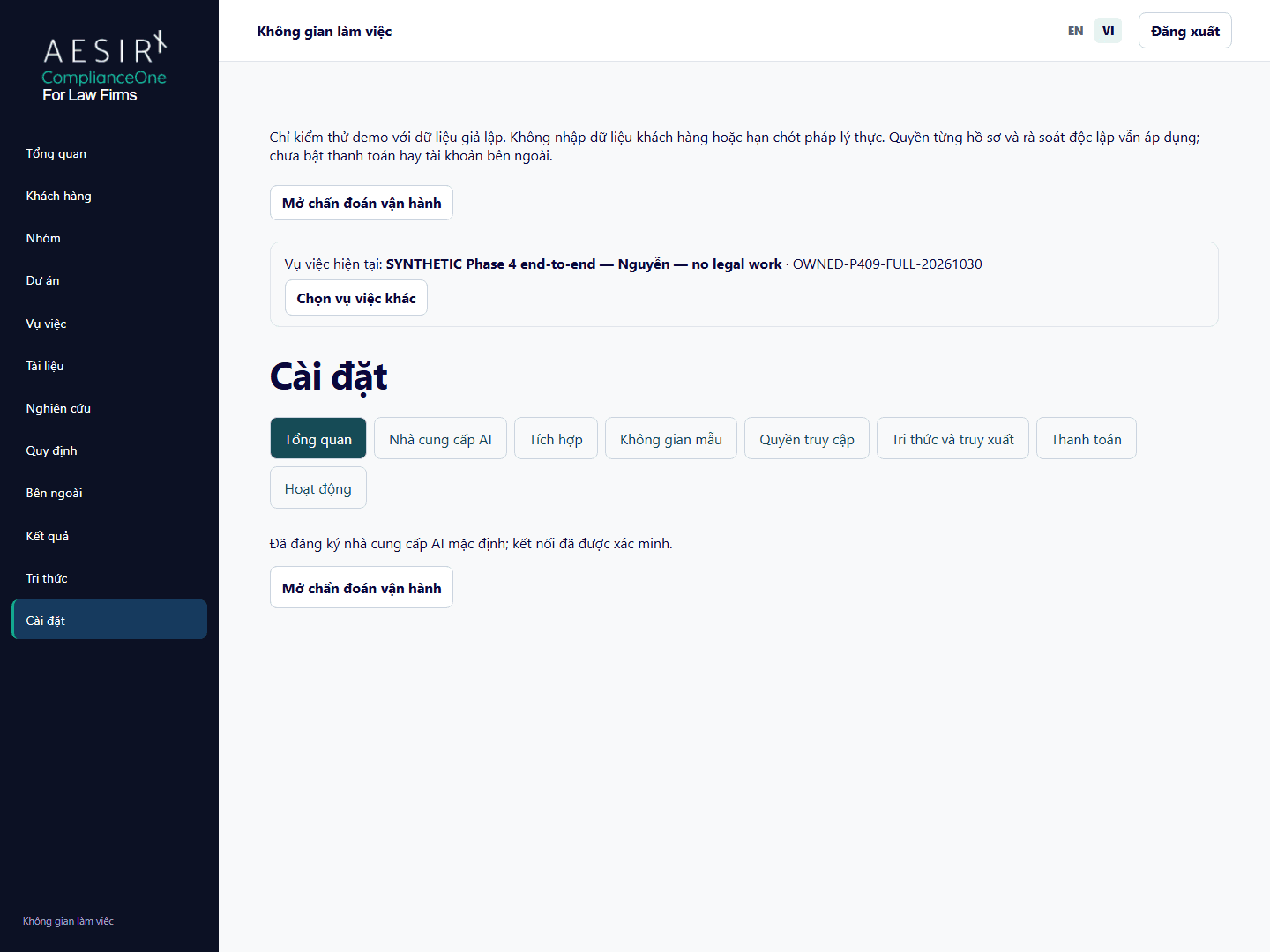
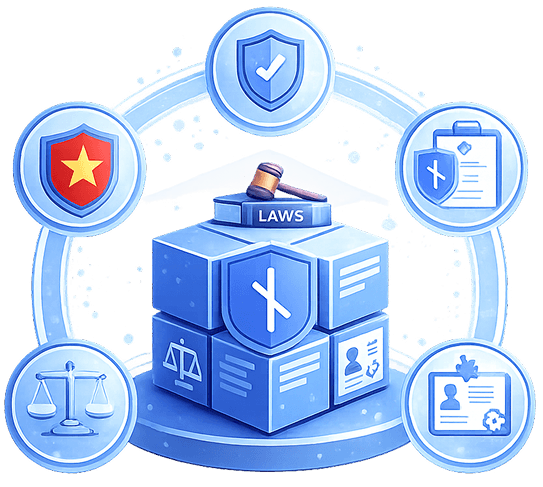
A visible feature and a configured feature are not the same thing. Staff need to understand whether a missing action comes from setup, deployment scope, current permission or record membership.
Administrators also need to distinguish saving a provider or application setting from receiving account-owner consent and completing a live request. Those are separate outcomes with separate failure states.
Administration brings readiness and authorized setup into the workspace. It allows the firm to inspect current capability while preserving private record boundaries and deliberate account-connection decisions.
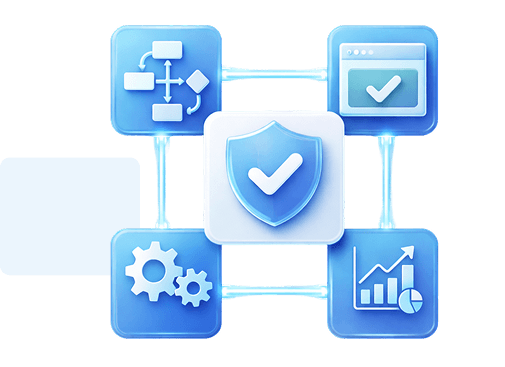
Use Settings to distinguish missing configuration, unavailable authority and disabled capabilities. A role name or earlier successful check does not establish every later workflow’s readiness.
Authorized staff can configure the supported provider, model and compatible options, and select a default for Forseti. API-key BYOK uses the firm’s own AI-provider account; saved credentials are encrypted and are not displayed back through the settings interface. Provider configuration does not broaden source rights.
Use the current user and access-management controls under the firm’s authorized process. Configuration authority does not automatically confer private Matter, source or financial access.
Supported Microsoft, Google and Slack setup separates application configuration, account-owner consent and selected-source mappings. A saved configuration does not establish a live connection, intake result or permission to read every remote source.


 Setup failures look like missing features.
 Inspect current feature and permission readiness.Earlier checks are assumed to remain valid.Review supported provider settings deliberately.Configuration roles are treated as content access.Keep staff authority and private membership separate.Account consent is inferred from saved settings.Require the account owner’s consent step.A broad connector is assumed to authorize every file.Map selected sources to a permitted destination.

An administrator can distinguish configuration from current usable capability.

The firm can review selected-source mappings before intake.

Provider setup and account consent remain separate from legal evidence and private record authority.
For an agreed self-hosted deployment, the application and documents run on firm-controlled infrastructure. Confirm access, backup and operating responsibilities before using actual client material.
AI processing remains a separate part of the setup. The connected provider receives the content needed for a request; processing location, retention and use for training depend on provider and account arrangements. Evaluate the hosting environment and supported AI configuration together.
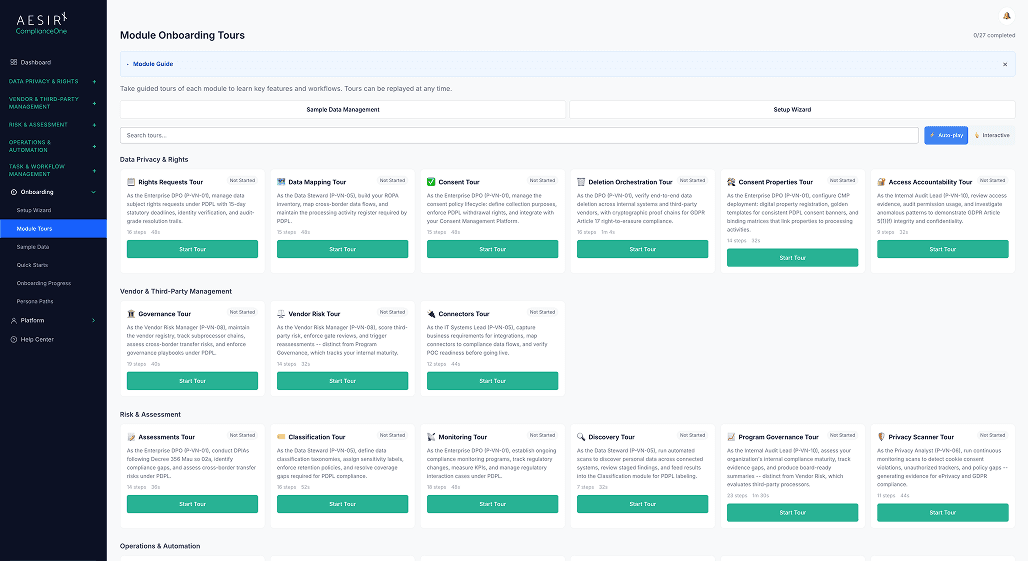
Review the workflow with representative synthetic records and the roles your firm intends to use.

Ronni K. Gothard Christiansen - Technical Privacy Engineer & CEO
Technical Compliance Expert, 32+ Years Open Source Advocate, X-BoD Open Source Matters Inc.
Firm configuration authority does not by itself grant private Matter, library or financial content access. Current record membership and source rights remain separate checks.
API-key BYOK lets the firm use its own AI-provider account and supported provider/model settings. Saving those settings and passing an earlier connection check do not prove that a later generation succeeds. Inspect current readiness, permitted sources and the saved request outcome.
The supported setup includes Microsoft, Google and Slack application and selected-source workflows. Actual availability, owner consent, scopes and destination mappings must be checked for the intended deployment.
A configured application is only one prerequisite. Account-owner consent and explicitly selected permitted sources are separate from mapping and intake into an authorized Matter or library.
Use synthetic records to evaluate representative roles and workflows. Confirm self-hosted infrastructure where agreed, the firm’s AI-provider account and API key, supported settings, data-handling arrangements and source rights. Retain the firm’s independent legal, security and operational approval process.

Discuss the deployment, audience and source-rights requirements for an agreed evaluation.

Contact our team about self-hosted deployment, AI configuration and integration requirements.


The evolution of Aesir is Aesir +  (the Norse symbol for Necessity)"Needed in order to achieve a particular result"
♥Join the AesirX Privacy Newsletter. Stay Informed. Stay Compliant.