DPO Radio
Practitioner Workflows
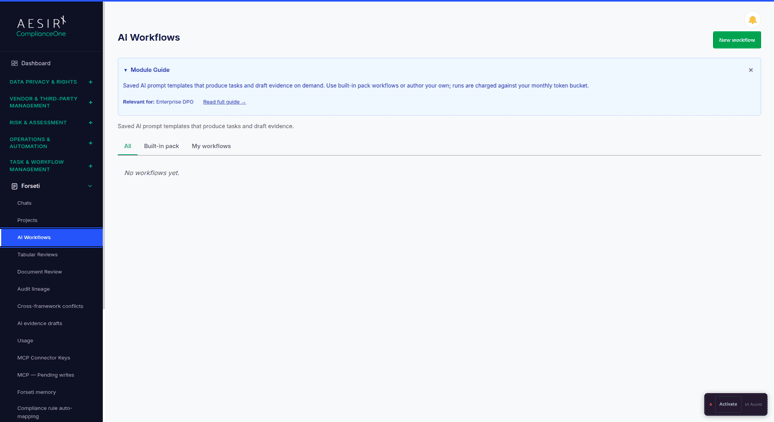
The Forseti Practitioner Series covers 60 compliance, privacy, legal, risk and audit jobs through 59 distinct workflows. Start from the record you are working on or hand off a question from a chat playbook.


A processing activity, an AI system and a vendor contract each need different checks. A run starts with the records the user is permitted to read, their related records and supported attachments. It uses the applicable frameworks installed in the workspace.
An eligible workflow can pause for a declared answer or document rather than guess. A completed practitioner run shows Not checked, Decisions for you, Questions and Re-check when. It cites its supporting material and flags where a source or result needs attention.
The result can be a finding, Word draft, proposed form value, proposed record or suggested task. Review the sources and limitations before applying the selected proposals. The review record and the result remain linked in audit lineage.
Review processing, notices, rights and transfers from the records you already keep.
Prepare incident reviews and recovery exercises with the recorded clocks and evidence.
Review AI inventories, classifications, impact assessments and suppliers with evidence.
Review vendor risks, questionnaires and applicable ICT obligations with source evidence.
Build a sourced register and prepare treatment, acceptance and control-ownership reviews.
Draft applicability, review exclusions and trace implementation claims to evidence.
Prepare audit programmes, samples, interviews and corrective action from a defined scope.
Review freshness, prepare access checks and build reproducible evidence samples.
Prepare scope, gap baselines and management review inputs for installed frameworks.
Draft policies and compare approved text with operating practice and related documents.
Review the quotes, run a pre-send check or record how a reviewer challenged a Forseti draft. Explore Verifying Quotes and Drafts.
Provide a declared input when an eligible run pauses. Schedule supported checks on a monthly, quarterly or yearly cadence with the required context. If a scheduled run stops for missing input, the schedule owner receives a follow-up task.
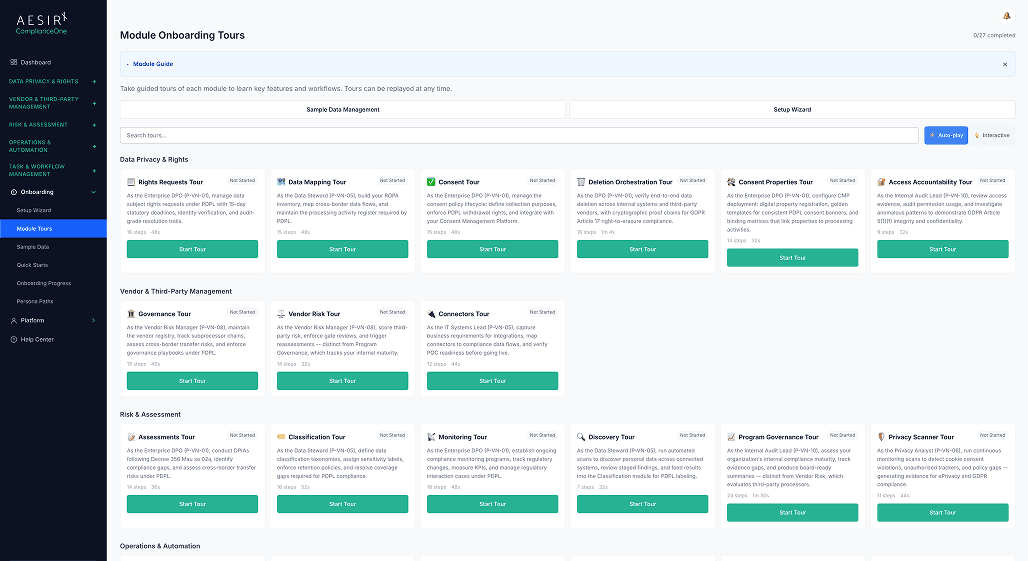
Use the Built-in, Yours and Add-ons views to find the workflows available to you. Import or export validated, versioned packages to reuse an approved process in a workspace with the appropriate frameworks and access.
Launch a document-set review from an available template. The workflow opens a review with comparable questions, verification status and open issues for each document.
For GDPR Article 28 work, use vendor onboarding evidence collection to prepare supporting records and the subprocessor change assessment to draft the notice under Article 28(2). The reviewer checks the applicable notice period against the agreement.
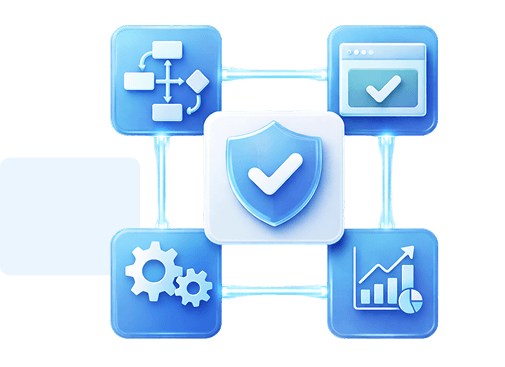
The practitioner workflows prepare findings and proposals. An authorised person applies draft values, confirms proposed actions and records decisions. Filing, sending, approvals and risk acceptance stay with the appropriate people. A relevant installed framework and the user's access determine which workflows are offered.
Start with an incident review and follow the platform's recorded deadline to the draft notification decision.

Ronni K. Gothard Christiansen - Technical Privacy Engineer & CEO
Technical Compliance Expert, 32+ Years Open Source Advocate, X-BoD Open Source Matters Inc.

Start a pilot with a repeatable check your team already performs and review the drafts for 30 days.

Talk to us about the workflows and frameworks your organisation uses.
The Practitioner Series covers 60 jobs through 59 workflows. The incident triage and notification check covers two jobs. The built-in catalogue also includes other assistant and tabular workflows.
They are available on Standard and Enterprise, with the ICT checks on Enterprise where an installed framework provides the capability. Light users can use the chat playbooks.
Yes. An eligible interactive run can pause for a declared answer, choice or document. A scheduled run uses saved answers or defaults and creates follow-up if a required answer is missing.
Eligible assistant workflows support recurring schedules, such as a monthly evidence freshness check. Tabular reviews start with a document set selected by a person, and the quote and pre-send checks require a draft selected for each run.
You can export an eligible workflow or bundle and import it as a user-owned copy. The receiving workspace needs the applicable frameworks, permissions and package before the workflow can run.


The evolution of Aesir is Aesir +  (the Norse symbol for Necessity)"Needed in order to achieve a particular result"
♥Join the AesirX Privacy Newsletter. Stay Informed. Stay Compliant.