DPO Radio
Tabular Grid Authoring
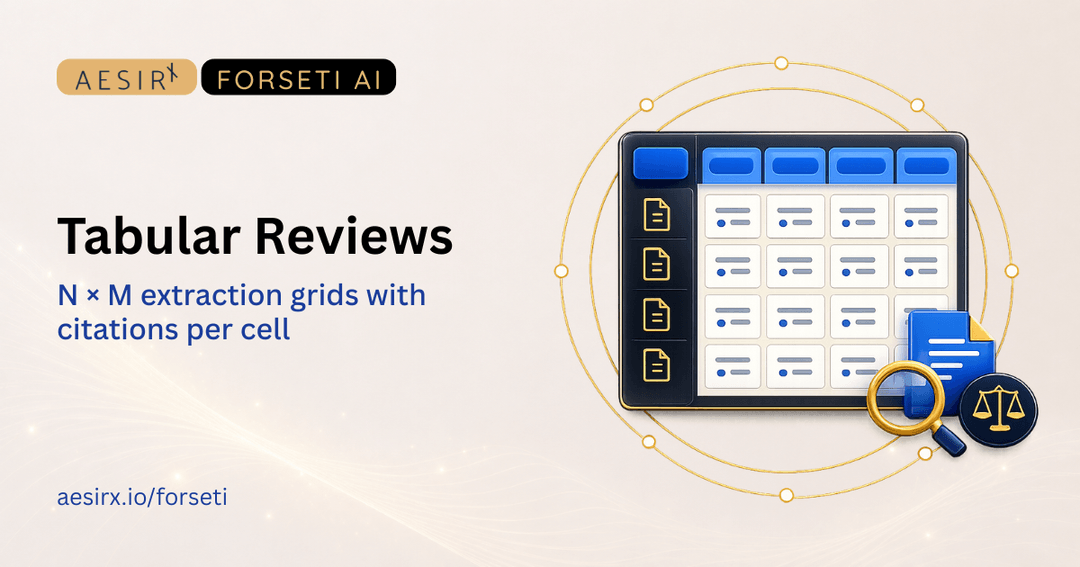
Choose the documents (rows) and the attributes (columns). Forseti extracts each cell, citing the source clause. Cost preview shows the projected token cost before the run commits.


A legal counsel comparing twelve vendor agreements across eight attributes does not need an essay; they need a grid. Done in a spreadsheet, the citations slip. Done in a general-purpose AI tool, the cells lose grounding. The need is a structured grid where every cell carries a citation back to the source clause.
Tabular grid authoring delivers that. The user picks the documents (N rows) and the attributes (M columns). The cost preview computes the projected token consumption before the run. The extraction produces the grid with citations per cell.
The user selects the documents to compare — contract portfolio, vendor list, framework set, policy library.
The user defines the attributes to extract — governing law, dispute resolution, liability cap, indemnity, termination notice, IP assignment, audit rights, or any other attribute relevant to the comparison.
Before the run commits, the cost preview computes the projected token consumption from the row count, the column count, and the average document length. The user sees the projected cost and decides whether to proceed.
Forseti extracts each cell, citing the source clause. Cells where the attribute is not present in the source ship with an explicit "not found" marker rather than a fabricated answer.
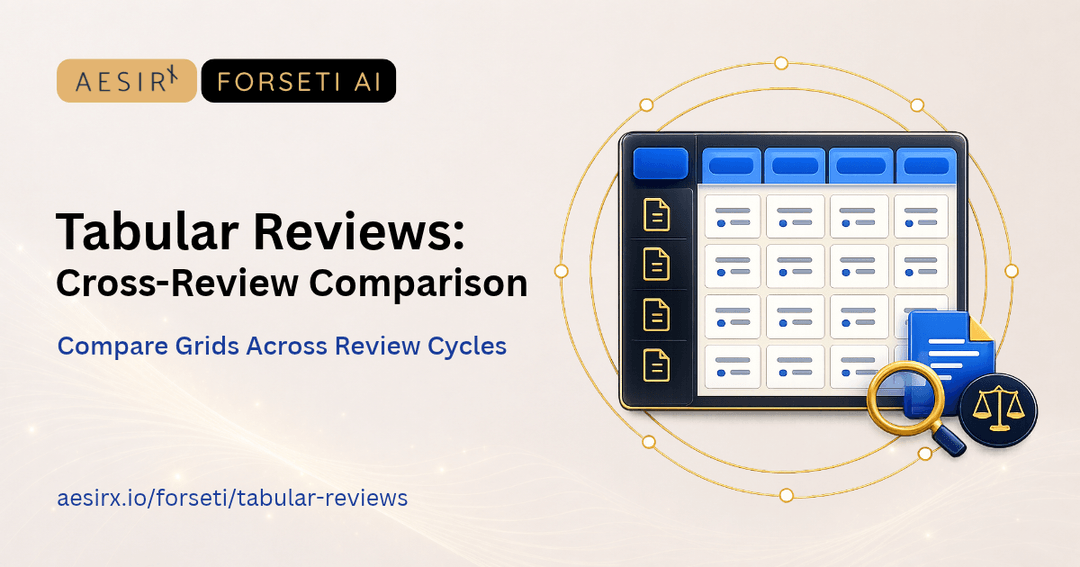
Cell-level discussion threads let the team annotate decisions inline. Each thread is captured in the audit trail and persists across review cycles.
The grid exports to Excel and CSV through the platform's unified export pipeline.


 Comparison grids are built in spreadsheets that lose citations.
 Per-cell citation back to the source clause.Token cost is unknown until after the run completes.Cost preview before run commits.Cell-level annotation lives in side-channel comments.Cell-level discussion threads in the audit trail.

Per-cell citation grounds the extraction. Cells without grounding ship with the "not found" marker rather than fabricated authority.

The cost preview is an estimate shown before the run. Confirming always starts the run: no Forseti token allowance can refuse it, and your AI provider bills your organisation for the requests.

Cell-level discussions and export events are in the audit trail.

Each completed cell can show an answer kind and a review flag. Inspect verified quotations on factual values, filter for open items, and rerun a specific cell that needs another look. Use tabular review workflows for preset questions, and include the optional confidence and open questions column.
Ready to see a 12-contract × 8-attribute grid produced in two minutes? Request a personalised demo.

Ronni K. Gothard Christiansen - Technical Privacy Engineer & CEO
Technical Compliance Expert, 32+ Years Open Source Advocate, X-BoD Open Source Matters Inc.

Run a tabular grid across your active contract portfolio for one quarter.

Talk to our team about which N × M comparisons would deliver highest value.
Forseti's extraction tool reads the source document, finds the relevant clause, and attaches the clause location as an inline citation. Clicking the citation opens the source document at the cited clause.
The cell carries an explicit "not found" marker rather than a fabricated answer. This is part of the citation-grounding contract — no grounding, no conclusion.
From the row count, the column count, and the average document length. The projection is shown before the run; the user decides whether to proceed.
Yes. Cell-level discussion threads let the team annotate decisions inline. Threads are captured in the audit trail.
Yes. Excel and CSV export run through the platform's unified export pipeline.


The evolution of Aesir is Aesir +  (the Norse symbol for Necessity)"Needed in order to achieve a particular result"
♥Join the AesirX Privacy Newsletter. Stay Informed. Stay Compliant.