

DPO Radio

 PLATFORM
Know that every user has the right access, every alert reaches the right person, and every administrative action is on the record. From day one.

A GRC platform is only as trustworthy as its access controls. When a compliance team handles personal data processing records, DPIA dossiers, breach notifications, and regulatory authority responses, the wrong person accessing the wrong records creates regulatory exposure. Compliance leads and internal audit teams need to know that role assignments are correctly configured, that access is regularly certified, and that any policy deviation is immediately visible.
Without centralized platform administration, these controls fragment. User accounts created without a formal provisioning process accumulate over time. Roles assigned informally become inconsistent. Access that should expire after an employee changes responsibilities remains active. Notification preferences left unconfigured mean that alerts about approaching statutory deadlines never reach the people who need to act on them.
ComplianceOne's Platform module provides the administrative layer that makes the rest of the platform reliable. Formal provisioning and deactivation workflows ensure every person has a documented, assigned role. Segregation of duties rules surface incompatible permission combinations before they become audit findings. Periodic access review campaigns produce audit-grade evidence on a scheduled cadence. MFA and SSO integration enforce the authentication policies enterprise security requires.
The notification system keeps compliance operations moving across eleven event categories. from task assignments and SLA warnings to approval requests and weekly digest summaries. Each user configures their own channel preferences, quiet hours, and digest frequency. Every alert is routed based on user preferences and entity-watching rules so the right person receives the right notification at the right time.
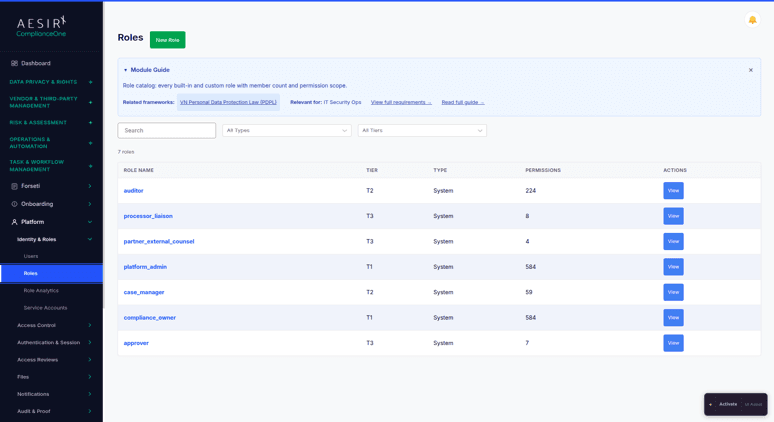
Administrators create, edit, and deactivate user accounts through a structured provisioning interface. Roles define permission sets assigned to each user, with a Role Analytics view surfacing role usage, permission distribution, and assignment trends. Service accounts support non-human integrations with scoped permissions.
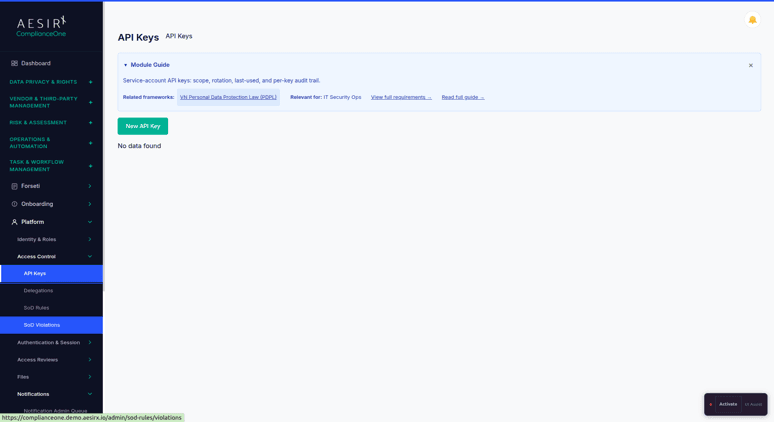
API keys for system integrations are generated and managed with defined scope and expiration. Temporary privilege delegation lets administrators grant short-term access with a defined end date and audit record. Break-Glass emergency access procedures provide controlled pathways for urgent administrative actions with full audit capture.
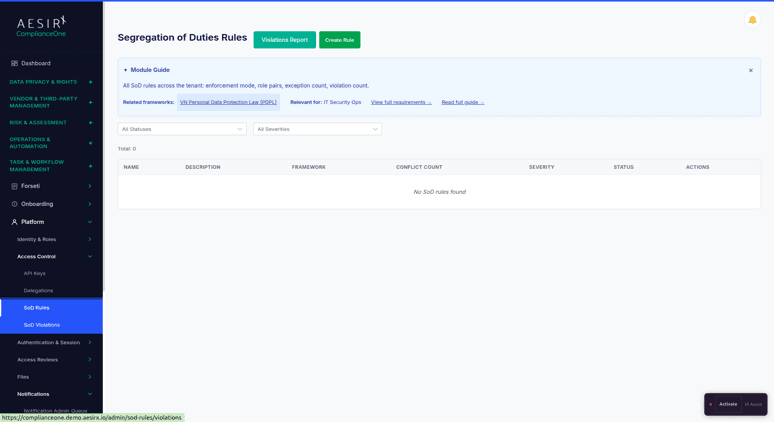
Administrators define SoD rules that identify incompatible permission combinations, for example, a user who can both create and approve a compliance filing. The SoD Violations view surfaces active conflicts for remediation, and SoD checks apply automatically when role assignments change.
TOTP-based MFA enforcement is configurable across the platform. SSO integration supports SAML and OIDC for organizations with existing identity provider infrastructure. Session timeout policies, IP allowlisting, and active session management are all available for organizations with strict network access requirements.
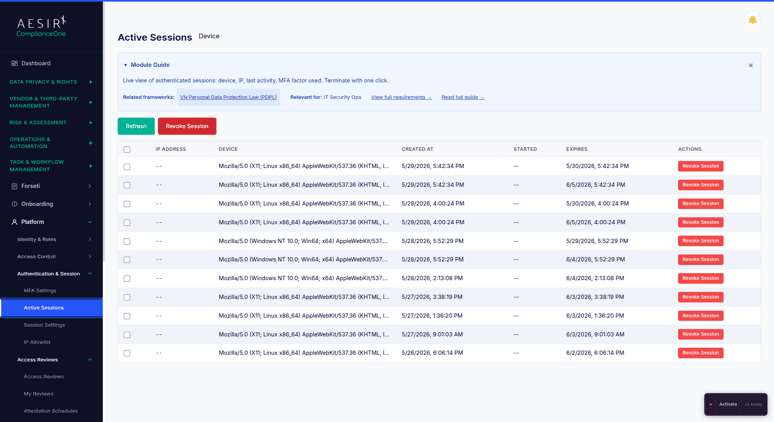
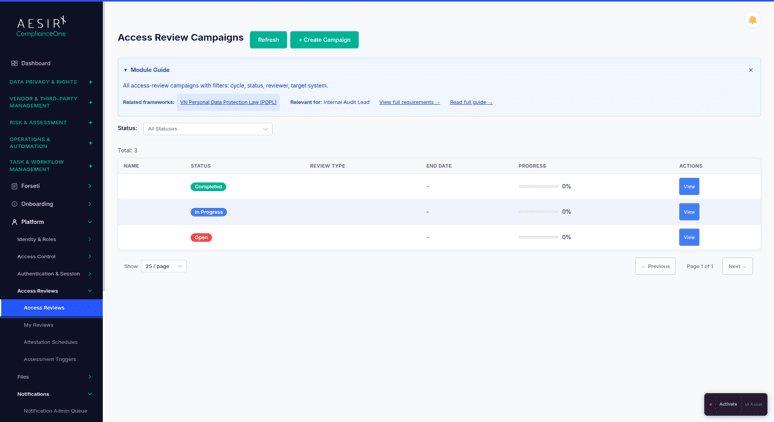
Periodic access certification campaigns require designated reviewers to confirm or revoke each entitlement within the campaign scope. Attestation schedules automate campaign creation on a defined cadence. Campaign results form an audit evidence record available for regulatory inspection.
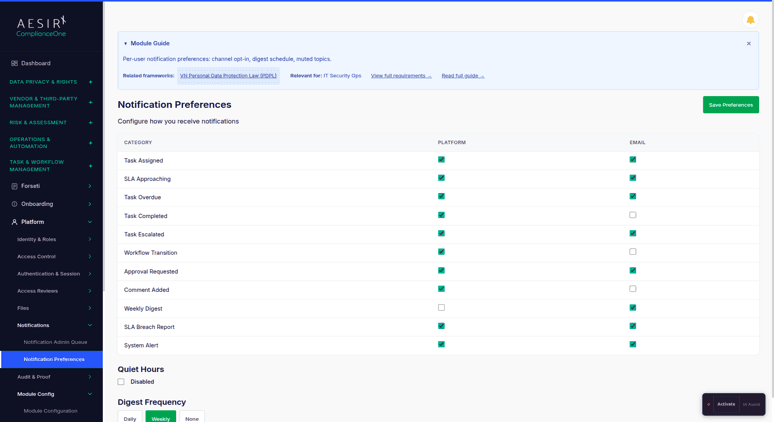
Eleven categories cover: task assigned, SLA approaching, task overdue, task completed, task escalated, workflow transition, approval requested, comment added, weekly digest, SLA breach report, and system alerts. Each category is toggled independently for in-platform and email delivery across 16 locales. Users configure quiet hours and digest frequency individually.
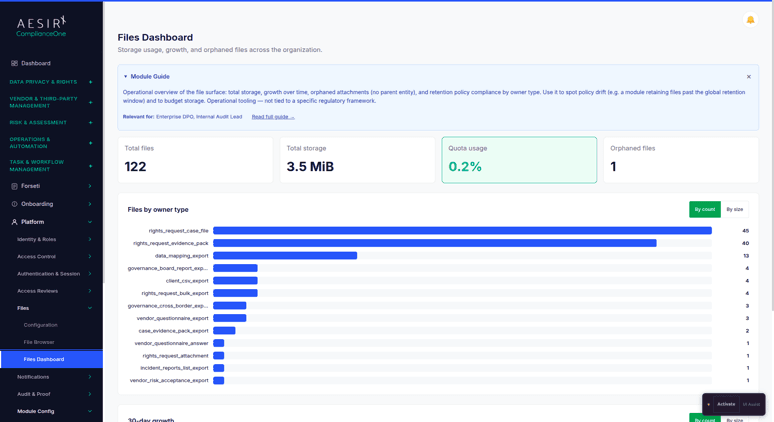
The File Browser provides a cross-module view of all uploaded files with search and management capabilities. File storage policies, allowed file types, and size limits are configured through Files Configuration. The Files Dashboard surfaces storage metrics and quota monitoring.
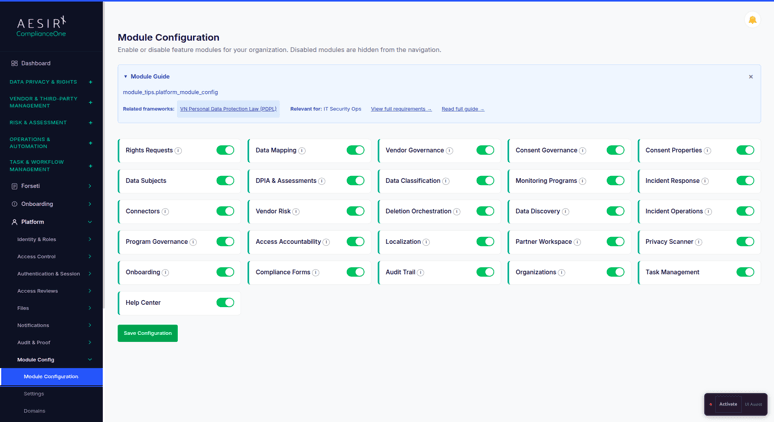
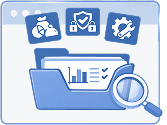
Administrators enable or disable individual platform modules, manage domain settings for multi-domain deployments, configure webhooks for event-driven integrations, and manage scheduled export jobs and email delivery tracking, all from Platform.

 User provisioning and role assignments happen informally without an auditable process.
 Formal provisioning, role assignment, and deactivation workflows create an auditable access record.Outdated access entitlements remain active with no periodic certification to catch them.Periodic access review campaigns certify every entitlement on a documented schedule.Segregation of duties conflicts go undetected until an audit surfaces them.SoD rules detect incompatible permission combinations before they become audit findings.Statutory deadline alerts and approval notifications go unconfigured and get missed.Eleven notification categories with per-user preferences ensure every alert reaches the right person.Module and security settings remain at defaults without formal administrative review.Module configuration and security policies are managed centrally with full audit trail capture.
Platform manages user access, role governance, and security controls through a single administrative interface, giving compliance and audit teams a documented, verifiable record of every access decision.

Access review campaigns and SoD enforcement produce audit-grade evidence on a scheduled cadence, so organizations are inspection-ready without manual preparation before each regulatory review.

Immutable Audit Trails adds cryptographic anchoring of audit events on the Concordium chain, giving external auditors a tamper-detectable integrity record they can verify independently without a ComplianceOne login.
Ready to see how ComplianceOne manages user access, enforces segregation of duties, and delivers notifications across a full compliance team? Request a personalized demo.

Ronni K. Gothard Christiansen - Technical Privacy Engineer & CEO
Technical Compliance Expert, 32+ Years Open Source Advocate, X-BoD Open Source Matters Inc.
Two independent channels: in-platform delivery through the bell-icon notification center, and email with HTML and plain-text variants. Each of the 11 notification categories can be enabled or disabled per channel at the user level. Users also configure quiet hours and digest frequency for their own account.
Administrators define campaign scope and assign designated reviewers. Each reviewer certifies or revokes entitlements in their queue. Results with timestamps and reviewer attribution are captured as audit evidence. Attestation schedules automate campaign creation on a recurring cadence without manual scheduling.
IAT is a paid add-on available on every tier. It adds cryptographic anchoring of audit events on the Concordium blockchain. Each event is hashed and anchored so post-hoc tampering is detectable. External auditors receive an Integrity Pack they can verify against the public chain without a ComplianceOne login. Disabled by default, opt-in per organization.
Yes. IP Allowlist configuration restricts access to defined IP address ranges, preventing access from unauthorized networks for organizations with fixed-location compliance teams or strict network policies.
An emergency access procedure for time-sensitive administrative actions where standard controls would otherwise block access. It provides a controlled pathway, captures the access event as an audit record, and requires documented justification. It is intentionally surfaced as a standalone item in the Platform sidebar.
Explore the module architecture, then speak with us about the workflows your organization needs to operationalize first.

Test user provisioning, access governance, and SoD rules against your real team structure.

Walk through your organization's access governance and notification requirements with a specialist.


The evolution of Aesir is Aesir +  (the Norse symbol for Necessity)"Needed in order to achieve a particular result"
♥Join the AesirX Privacy Newsletter. Stay Informed. Stay Compliant.