DPO Radio
Contract Playbooks
Start with a contracting guide or vendor agreement.


A legal team needs to use the same position across agreements and show which version was in force at the time of review. Forseti can prepare findings from the team's own guide and the agreement it has permission to read.
Ask the team to specify which fallback language is acceptable before putting a draft in circulation. The reviewer sees the rule, cited wording and decision together when considering an edit.
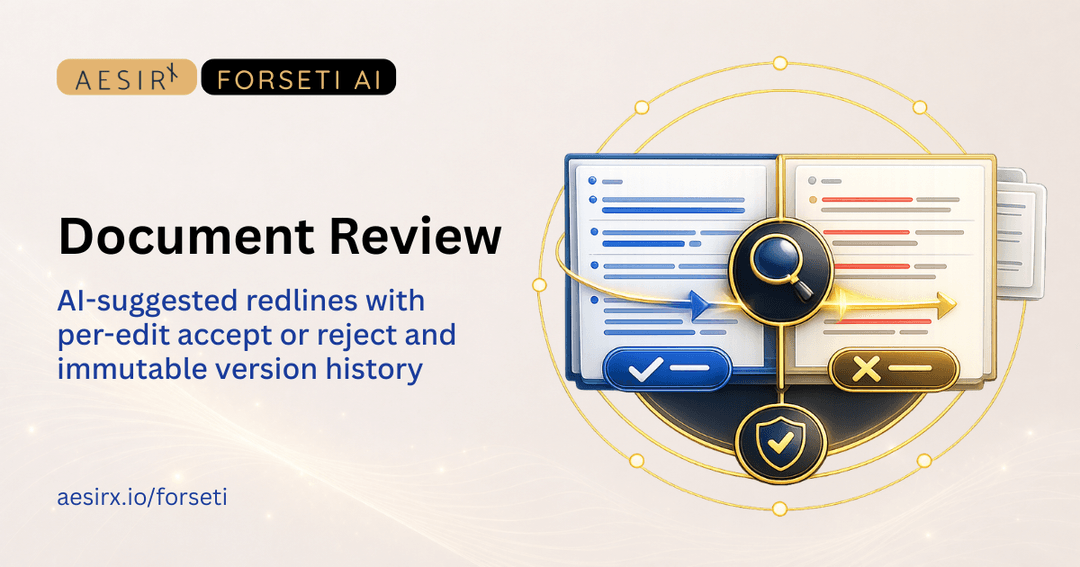
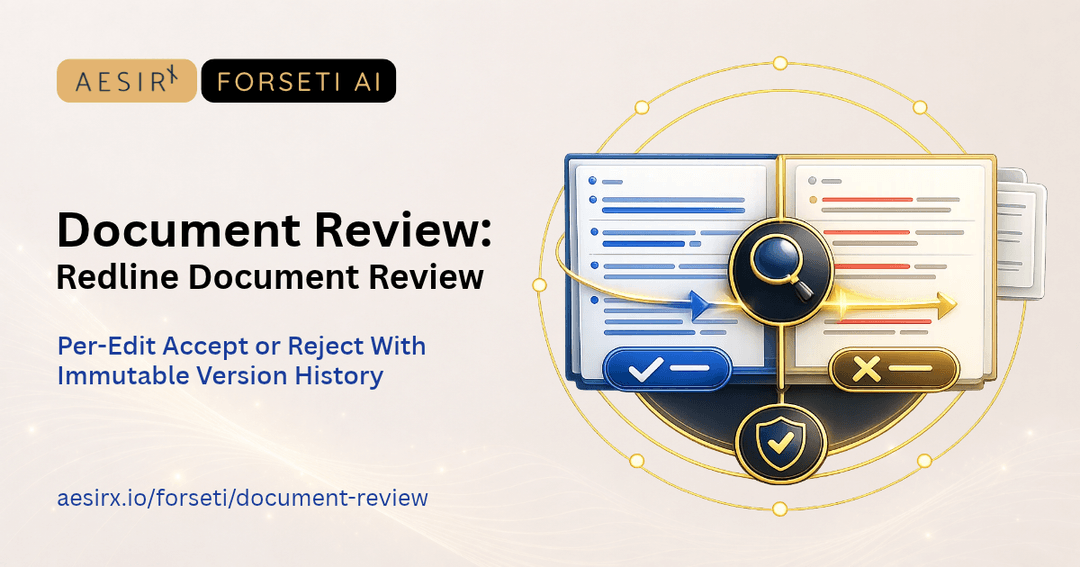
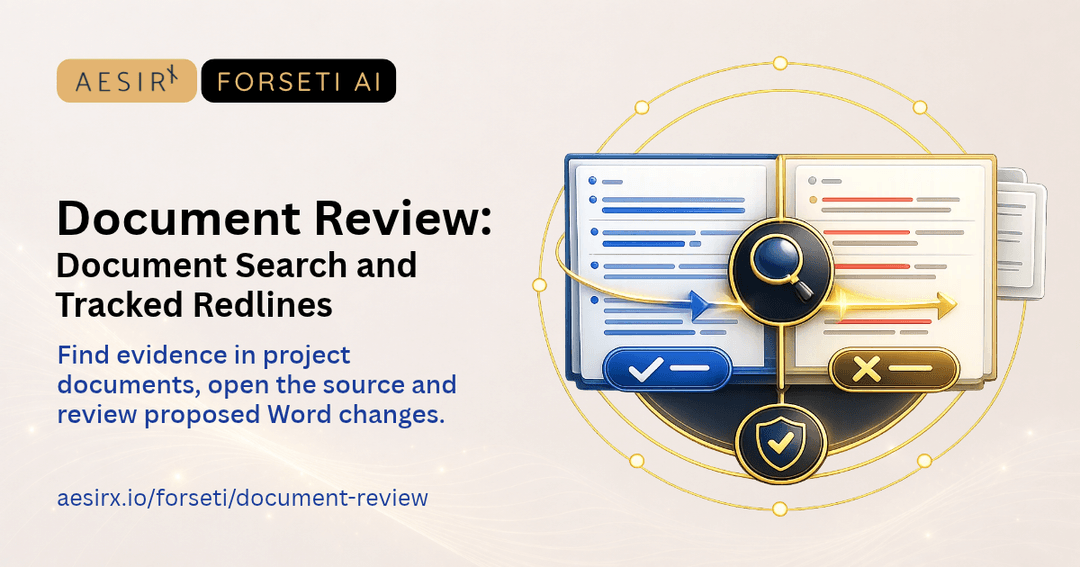
Review the resulting tracked changes in a new Word version.
Trace each proposed rule to the relevant paragraph, then have an authorised reviewer edit and publish the version.
Record standard, fallback and unacceptable positions and describe the rule's criteria.
Select the published playbook, scope and strict or permissive review. Inspect the rule's status, source wording and suggested change.
Return to the rule snapshot and source findings from the review even if the playbook has moved to a later version.
An authorised reviewer accepts individual findings and applies eligible source-supported changes to a new tracked-change version.


 A team's drafting positions can be buried in documents and email.
 Draft rules from your guide.Different reviewers may use different fallback wording.Set negotiating positions.A prose review may leave uncertainty about which positions were checked.Review the agreement rule by rule.Changes to the guide can make an old review difficult to reproduce.Keep the version used.The agreed revision can get separated from the finding that justified it.Apply accepted findings to a DOCX version.

Open the contracting guide paragraph behind a proposed rule.

Inspect the published rule snapshot used on a contract.

Review the resulting tracked changes in a new Word version.
Open the contracting guide paragraph behind a proposed rule.

Ronni K. Gothard Christiansen - Technical Privacy Engineer & CEO
Technical Compliance Expert, 32+ Years Open Source Advocate, X-BoD Open Source Matters Inc.

Start a pilot using a contracting guide or vendor agreement.

Talk to us about how contract playbooks fits your team's work.
Contract playbooks are available on Standard and Enterprise to people with the appropriate permissions.
A review keeps the published rules it used. A draft rule goes through review and publication before it becomes available to a later review.
An authorised reviewer can apply accepted findings with the required verified source wording and location. Unsupported findings stay visible for manual review.
Yes. Forseti can prepare a draft whose rules point to passages in your contracting guide. A permitted reviewer edits and publishes it.
Each finding shows the rule status, source quote and location, analysis and suggested wording where available.


The evolution of Aesir is Aesir +  (the Norse symbol for Necessity)"Needed in order to achieve a particular result"
♥Join the AesirX Privacy Newsletter. Stay Informed. Stay Compliant.