DPO Radio

 DATA SUBJECT PROFILES
Aggregate all rights request cases, consent workflows, and privacy interactions into a single profile per data subject, with cross-module linking and interaction timeline.
When a data subject exercises their rights under PDPL or GDPR, the DPO needs to answer a fundamental question: what do we know about this person? Currently, the answer is scattered across modules — rights request cases track the person by requester name and email, consent workflows track them by a freeform data subject reference, and web consent records track them by anonymous visitor ID. There is no single place to see the complete picture.
Enterprise DPOs managing thousands of data subjects need to see every interaction at a glance. HR & Employee Data Stewards handling employee consent records need to verify that a specific employee's consent grants, withdrawals, and DSR cases are all accounted for. Education Compliance Leads managing parent/guardian consent for students need to track consent status per family, not per isolated workflow.
Without a unified profile, the DPO must manually cross-reference case IDs against workflow IDs, searching by email or name across separate module views. When a regulator asks "show me everything you have about this individual," the response requires manual assembly from multiple data sources — slow, error-prone, and difficult to audit.
Data Subject Profiles solve this by creating a formal entity that links all interactions for each individual. When a new rights request case is created, the system automatically matches it to an existing profile (or creates a new one). When a consent workflow is recorded, it is linked to the same profile. The result is a single timeline view showing the complete privacy lifecycle per person — every consent granted, every withdrawal processed, every DSR case from intake to resolution.
Browse and search all data subject profiles in your organization. Filter by name, email, employee ID, or student ID. Each profile card shows the linked case count and consent record count at a glance, so you can quickly identify high-interaction data subjects.
Open any profile to see the complete picture:
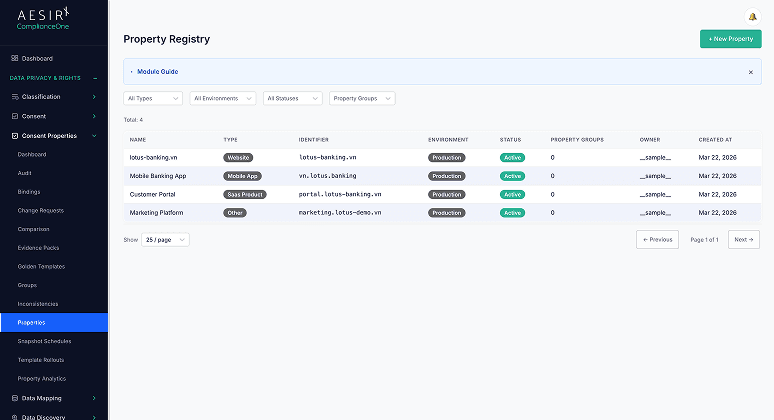
When a new rights request case or consent workflow is created, the system automatically searches for a matching data subject profile by email or name. If a match is found, the case or workflow is linked automatically. If no match exists, a new profile is created. This ensures the profile directory stays current without manual maintenance.
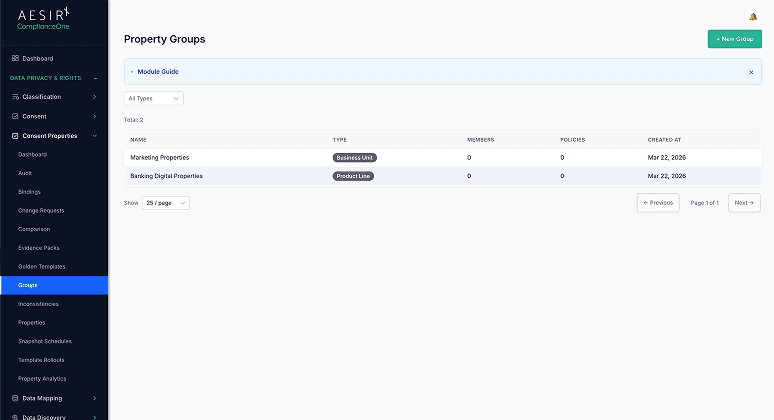
For cases where auto-linking cannot match (e.g., the requester used a different email), users can manually link any case or workflow to an existing profile, or create a new profile and link it. The "Link to Profile" action is available from both the case detail and workflow detail views.
From the profile detail view, click any linked case to navigate directly to the case detail page. Click any consent workflow to navigate to the workflow detail. From the other direction, case detail and workflow detail pages link back to the data subject profile, creating bidirectional navigation across modules.

 Enterprise DPOReviews complete data subject history when responding to regulator inquiries. Verifies all rights have been fulfilled for a specific individual.HR & Employee Data StewardLooks up employee profiles to verify consent status across employment agreements, training records, and benefit enrollments.Education Compliance LeadTracks parent/guardian consent per student family. Monitors consent coverage for biometric systems and third-party sharing.Task ManagerIdentifies data subjects with multiple open cases to prioritize fulfillment workload.Cases auto-linked to profiles on creation. Profile shows all DSR cases for the individual.Consent workflows auto-linked to profiles. Profile shows all consent grants, withdrawals, and restrictions.Processing activities referenced in linked cases and workflows are visible from the profile timeline.
PDPL Articles 9-16 establish data subject rights. When an individual exercises multiple rights (e.g., access followed by deletion), the DPO must track each request independently while understanding the person's complete interaction history. Data Subject Profiles provide this consolidated view.
GDPR Article 15 (right of access) requires controllers to provide all personal data held about an individual. Data Subject Profiles make it possible to identify all processing activities and consent records linked to a specific person across the entire organization.
Request a personalized demo to see how unified profiles simplify regulator inquiries and consent verification.

Ronni K. Gothard Christiansen - Technical Privacy Engineer & CEO
Technical Compliance Expert, 32+ Years Open Source Advocate, X-BoD Open Source Matters Inc.
When a new case or workflow is created, the system searches existing profiles by email address and requester name. If a profile with matching identifiers exists, the new record is linked automatically. If no match is found, a new profile is created with the information from the case or workflow.
If two profiles were created for the same individual (e.g., different email addresses), you can manually link cases and workflows from one profile to the other. Profile deduplication tooling is planned for a future release.
Yes. Data Subject Profiles is included in all three packages (Light, Standard, and Enterprise) because it is a foundational capability for personal data protection compliance.
Deleting a profile removes the aggregation record. The underlying cases and consent workflows are not affected — they remain in their respective modules. Only the cross-linking is removed.
Explore the module architecture, then speak with us about the workflows your organization needs to operationalize first.

Request a personalized demo to see how unified profiles simplify regulator inquiries and consent verification.

Deploy Data Subject Profiles alongside Rights Requests and Consent Governance to see the full privacy lifecycle per person.


The evolution of Aesir is Aesir +  (the Norse symbol for Necessity)"Needed in order to achieve a particular result"
♥Join the AesirX Privacy Newsletter. Stay Informed. Stay Compliant.