DPO Radio
Reading Audit Lineage
Open a lineage view from any AI-touched record. The view stitches together every chat that referenced the record, every tool call, every citation, every task generated, every draft produced, and every approval transition.
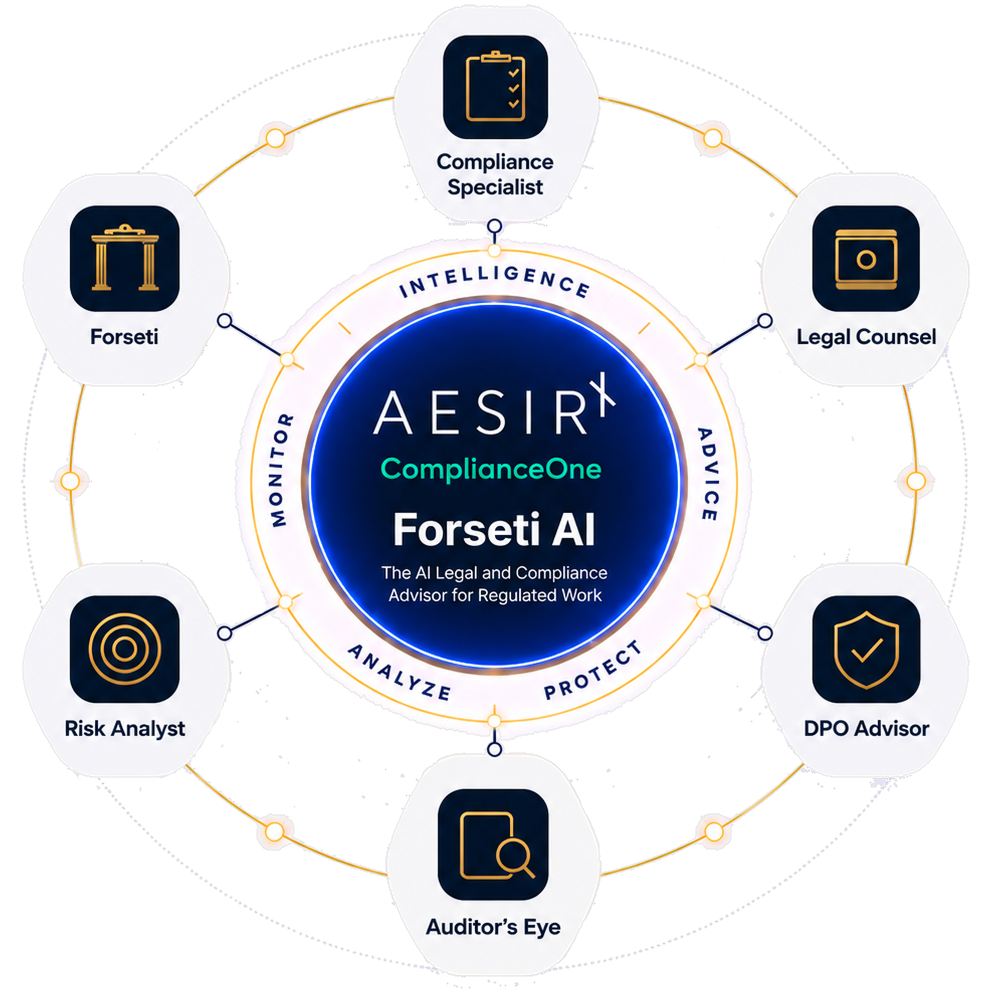
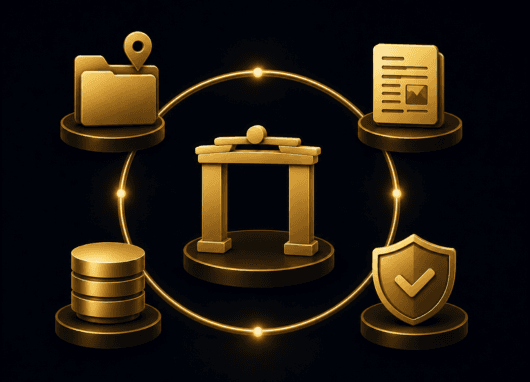
When a regulatory inspector asks "what did the AI say about this DPIA?", the customer needs more than a chat transcript. The inspector wants the full lineage — which record the assistant was looking at, which regulatory packs it had access to, which tool calls it made, which citations came back, what got drafted, what got approved.
The audit lineage view assembles all of that automatically. The audit lead opens the view from any AI-touched record and walks the chain from the originating call through every committed downstream change.
The lineage view is reachable from any record-bearing surface where Forseti has touched the record — DPIAs, RoPA activities, contracts, vendors, incidents, rights requests, governance documents, controls.
Source (chat, workflow, MCP, scheduled), persona, time window, requesting key prefix. Filters combine for deep drill-down.
Each event in the lineage shows the tool name, the arguments (where appropriate), the citation outcome, and the resulting state change.
The view follows the chain across modules — for example, a DPIA chat that called regulatory search, generated a task, attached evidence, and triggered a workflow run carries the cross-module trace inline.
The same chain-of-custody anchor that protects every other audit event in the platform protects every Forseti event. The proof tap is nightly and tamper-evident.

 AI-touched records do not carry visible provenance.
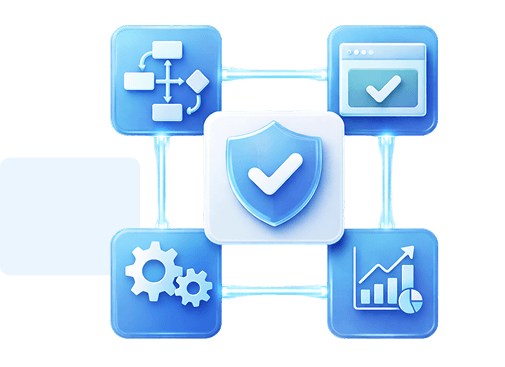
 Per-record lineage view stitches every AI event end to end."What did the AI say about this?" requires reconstruction across systems.Filter chips isolate source, persona, time window, key prefix.Tamper-evident verification of the audit chain is not available.Tamper-evident anchor verifies the chain.

The lineage view is read-only and immutable. No event is silently removed; rejected suggestions, declined approvals, and expired pending writes all surface.

The chain-of-custody anchor is the same anchor that protects every other audit event in the platform. The proof tap is nightly.

Filter chips do not hide events; they isolate the requested subset. Every event remains walkable when the filters clear.
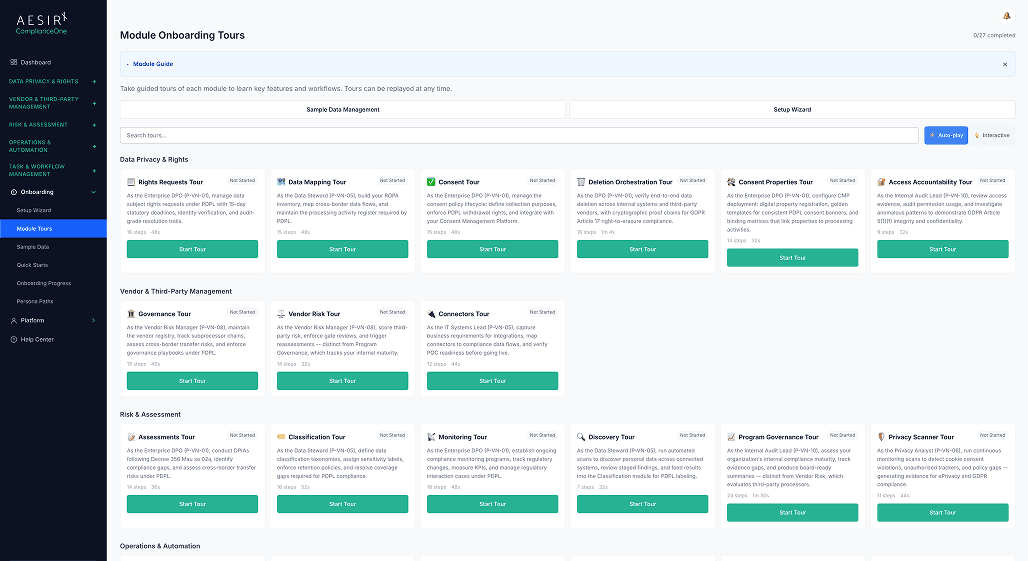
Follow which playbook informed the chat and which sources fed the workflow. For a run with a documented review, inspect what the reviewer sampled and decided. Use Verifying Quotes and Drafts to follow the source check and reviewer challenge.
Ready to see a DPIA's full AI lineage walked end to end with filter chips? Request a personalised demo.

Ronni K. Gothard Christiansen - Technical Privacy Engineer & CEO
Technical Compliance Expert, 32+ Years Open Source Advocate, X-BoD Open Source Matters Inc.

Run a 30-day pilot and walk the audit lineage with your internal audit lead.

Talk to our team about how the lineage view fits your existing inspection-readiness posture.
Any record-bearing surface where Forseti has touched the record. The lineage button surfaces on records with AI activity.
Source, persona, time window, requesting key prefix. Filters combine for deep drill-down.
Yes. The lineage view is comprehensive. Rejections, declined approvals, and expired pending writes are all visible alongside accepted events.
Yes. Lineage export runs through the platform's unified export pipeline. The export carries the same events and filter state as the view.
Yes. All tiers — Light, Standard, Enterprise — have access to the audit lineage view. The activity you can see depends on the features used and the records you can access.


The evolution of Aesir is Aesir +  (the Norse symbol for Necessity)"Needed in order to achieve a particular result"
♥Join the AesirX Privacy Newsletter. Stay Informed. Stay Compliant.