DPO Radio
My Workspace
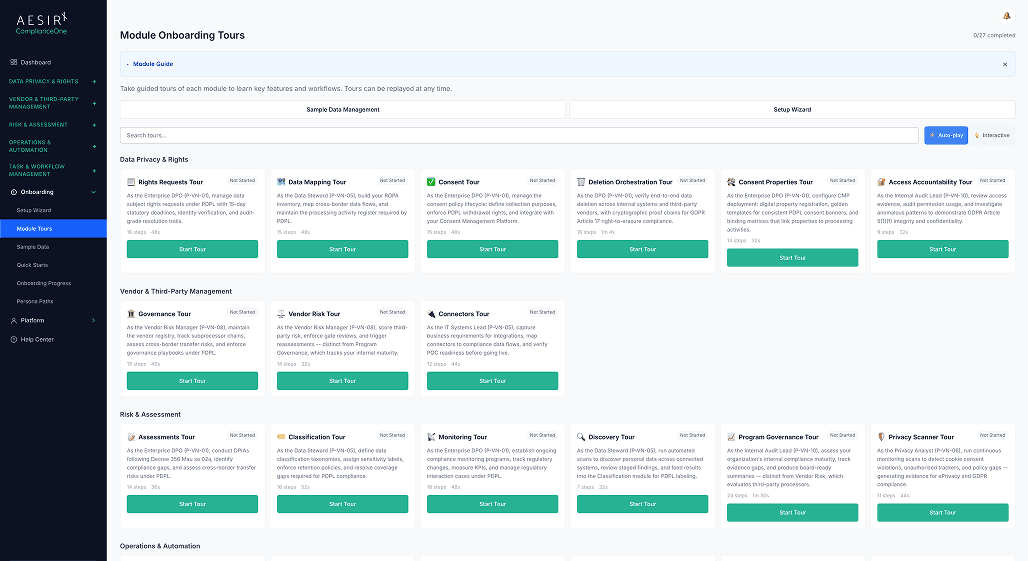
Start with My workspace in Onboarding.


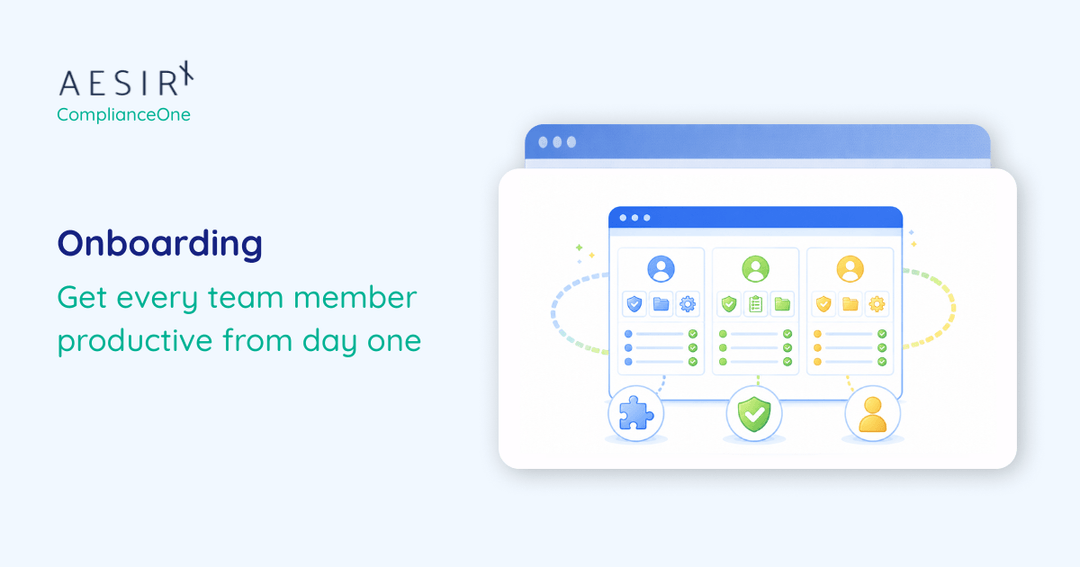
A privacy lead, risk manager and auditor use different parts of the same platform. My workspace brings the pages and dashboard information most relevant to each person within reach.
The proposal draws on your current role and the pages you can access. Review the layout and dashboard before applying both or keeping your existing dashboard.
Return to the full menu for occasional work.
Open My workspace from Onboarding and answer a short set of questions about your role, priorities and frequently used pages.
See the pages Forseti suggests from your organisation's package and your existing access.
Move or remove groups and add the permitted pages you want before applying the workspace.
Review the widgets and tab and choose whether to apply the proposed dashboard settings and default.
Use My menu or Full menu as your work changes. Apply saves the personal view for your user.
 The full menu gives every role the same starting point.
 Describe your work.A suggested shortcut can be irrelevant if it does not fit the role.Review the proposed menu.A fixed layout leaves people searching for the same pages each day.Adjust the layout.A shared starting view can bury the information a role uses first.Choose the dashboard view.A narrow working view can make uncommon but important tasks harder to reach.Switch to the full menu.

Preview a proposed menu before applying it.

Choose whether the dashboard changes along with the menu.

Return to the full menu for occasional work.
Preview a proposed menu before applying it.

Ronni K. Gothard Christiansen - Technical Privacy Engineer & CEO
Technical Compliance Expert, 32+ Years Open Source Advocate, X-BoD Open Source Matters Inc.

Start a pilot using My workspace in Onboarding.

Talk to us about how my workspace fits your team's work.
Any signed-in ComplianceOne user can use My workspace. Proposals respect the organisation's package and the user's existing permissions.
The user reviews and edits the proposal and chooses Apply my workspace. They can still switch to the full menu.
My workspace saves the configuration for the current user. Applying the proposed dashboard settings is an explicit choice.
Yes. The dashboard setting is a separate option on apply, and the menu switch keeps the full menu available.
Open My workspace in ComplianceOne Onboarding and answer the questions about the work you do.


The evolution of Aesir is Aesir +  (the Norse symbol for Necessity)"Needed in order to achieve a particular result"
♥Join the AesirX Privacy Newsletter. Stay Informed. Stay Compliant.