

Assign value to on-site actions and combine them with UTM data to see which behaviors matter most - then follow the steps below to set it up.
Understanding which actions create real value on your site is the key to meaningful optimisation. AesirX Analytics gives you a structured way to measure on-site behaviour with Engagement Scores, metric values, and UTM contributions, but everything starts with accurate event data.
This step-by-step guide walks you through how to create events, assign values, and view their performance inside AesirX Analytics. You will define the actions that matter, map the value they generate, and use the built-in charts to compare performance across journeys.
Follow the steps below to set up your Tag Event Value Mapping so you can see which behaviours truly drive outcomes.
Step 1: Create Event (Can ignore if already did)
Access Event in Behavior Tab, click on Generator Event button to create a new event.
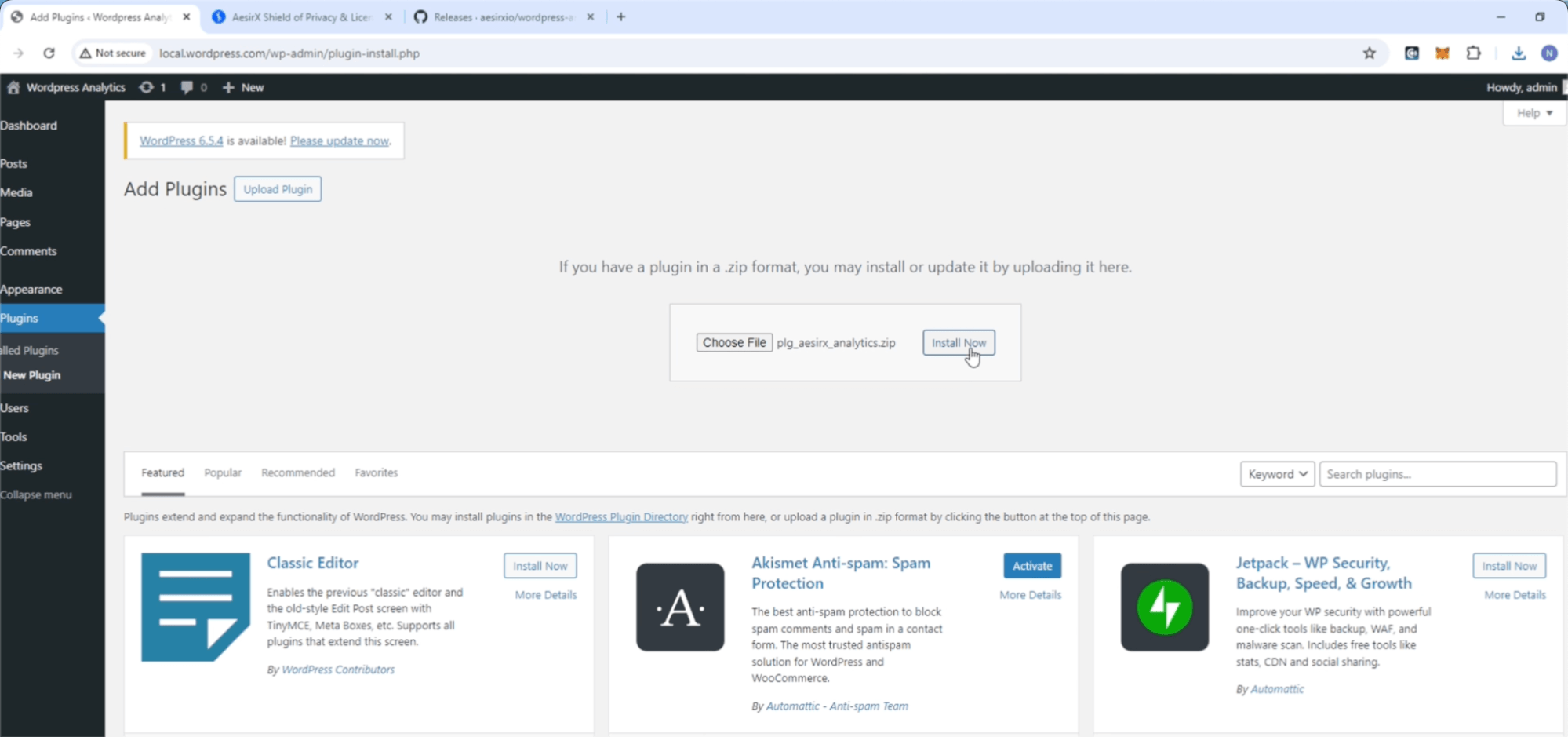
Input required information and click Generate to get tracking event code to add on your site.
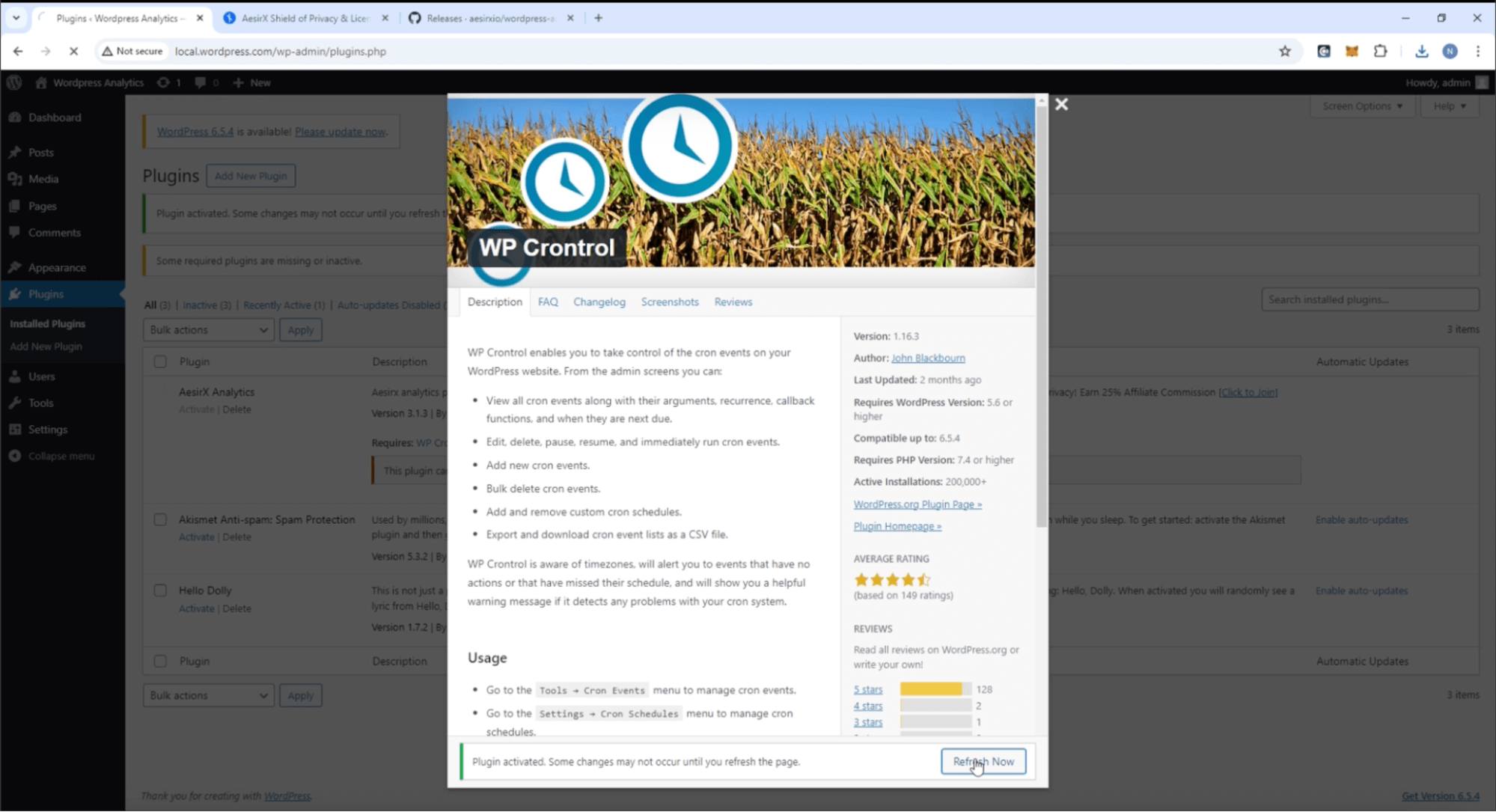
Step 2: Create New Tag Value
Access Tag Value Mapping in Behavior Tab, click Add New button to add a new tag value.
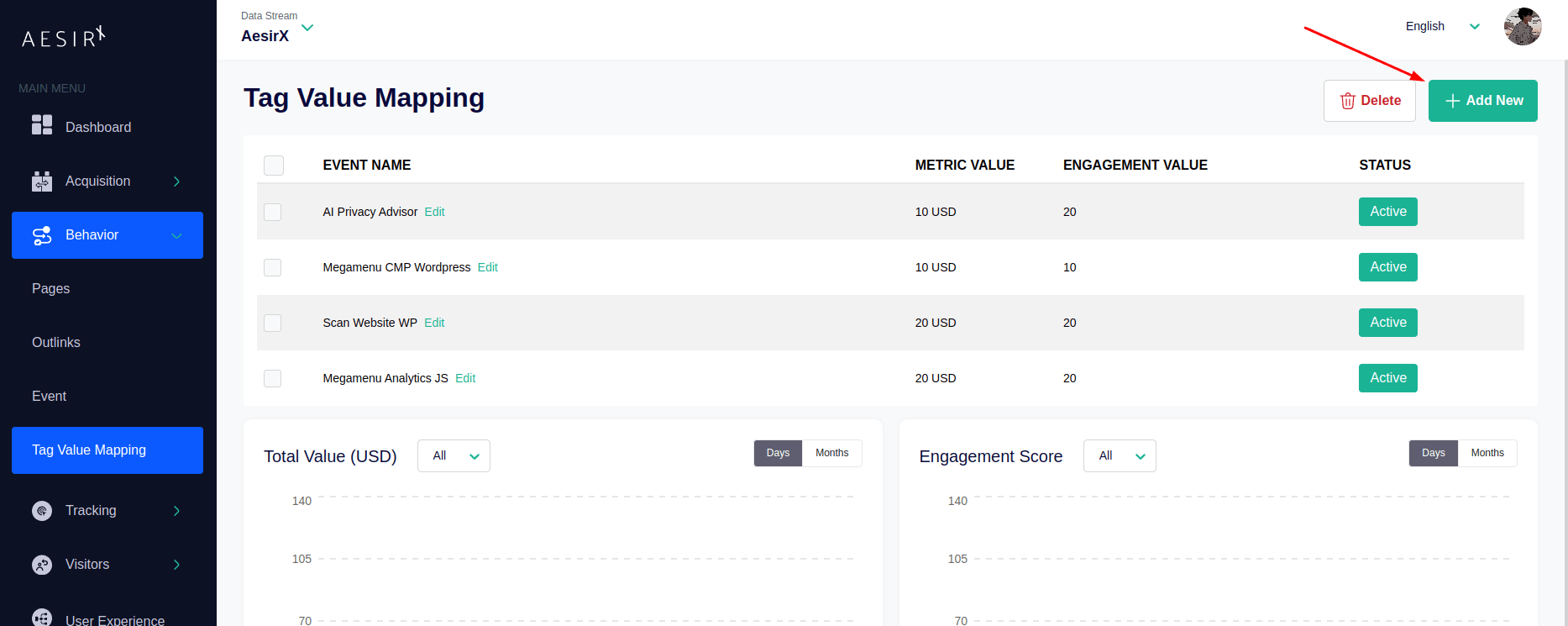
Select the event, then assign a metric value and an engagement value for tag value and save to add new tag value.
*Metric value and Engagement value are reference points that depend on the user, allowing you to compare this event with other tag values.
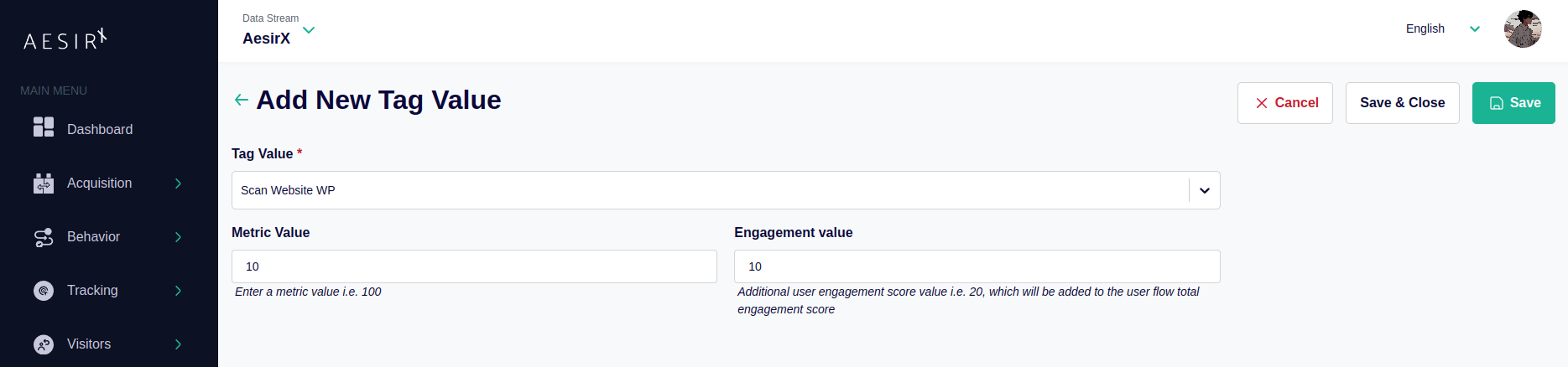
The new tag value and its details will be added to the list for managing and following up.
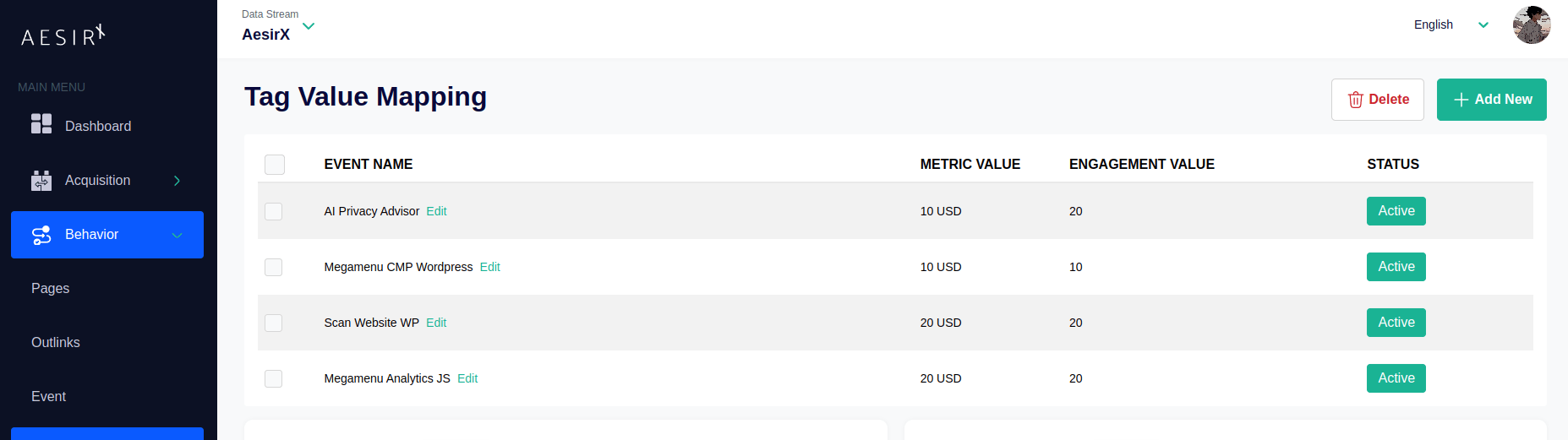
Step 3: Statistic
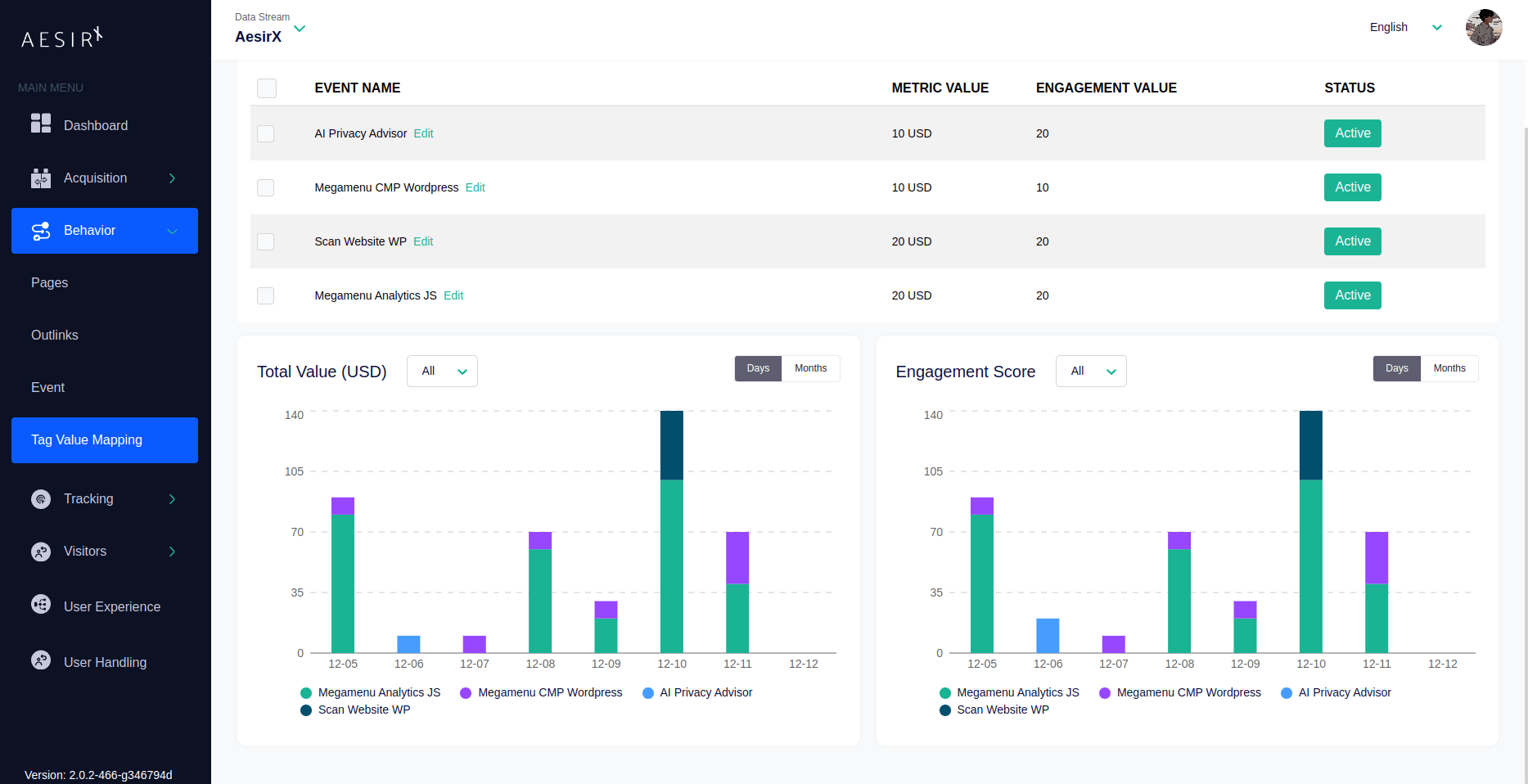
All Tag Value will be shown in chart form for easier to view and compare with each other.
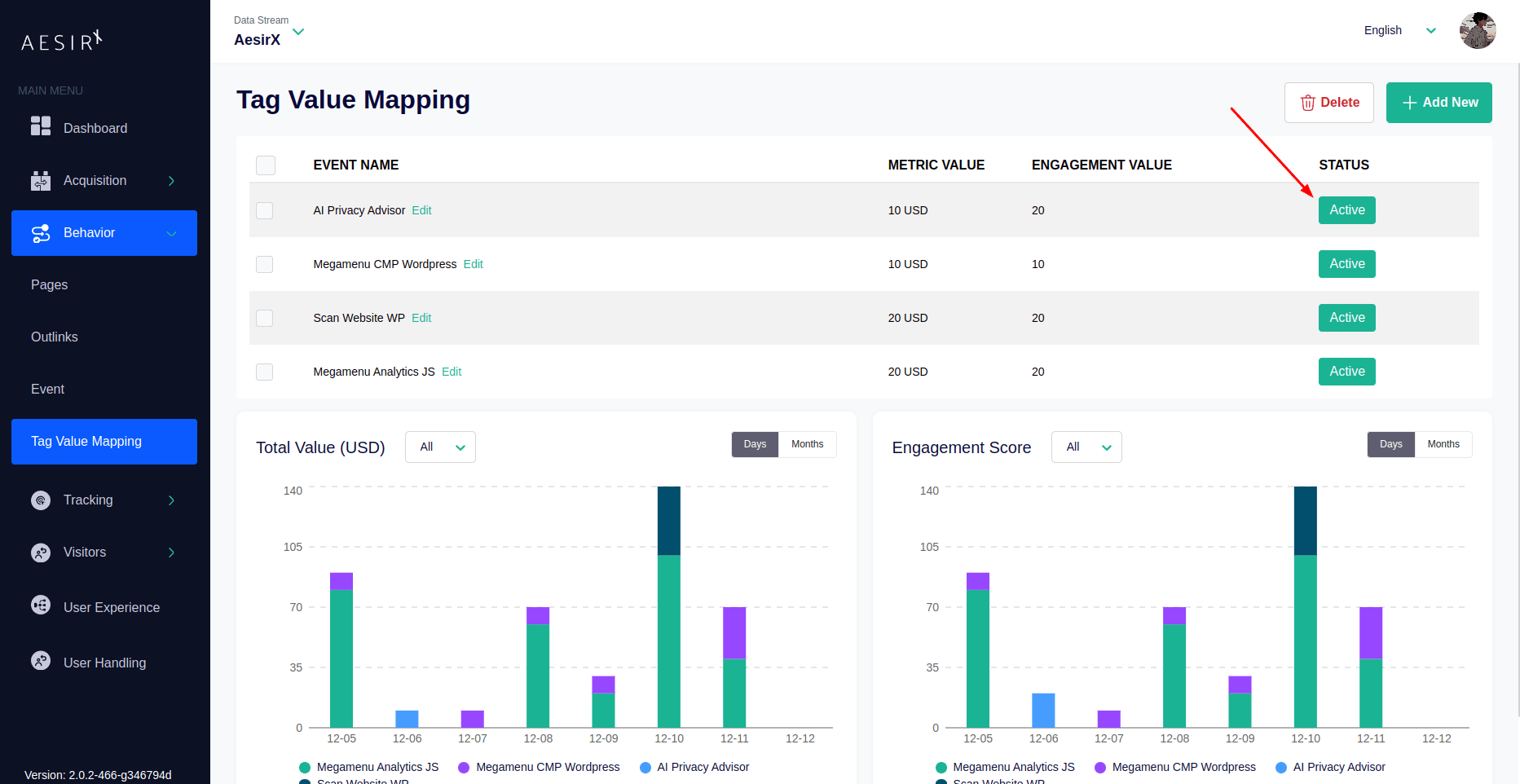
You can toggle the visibility of tag values using the button in the Status column of the tag value list.
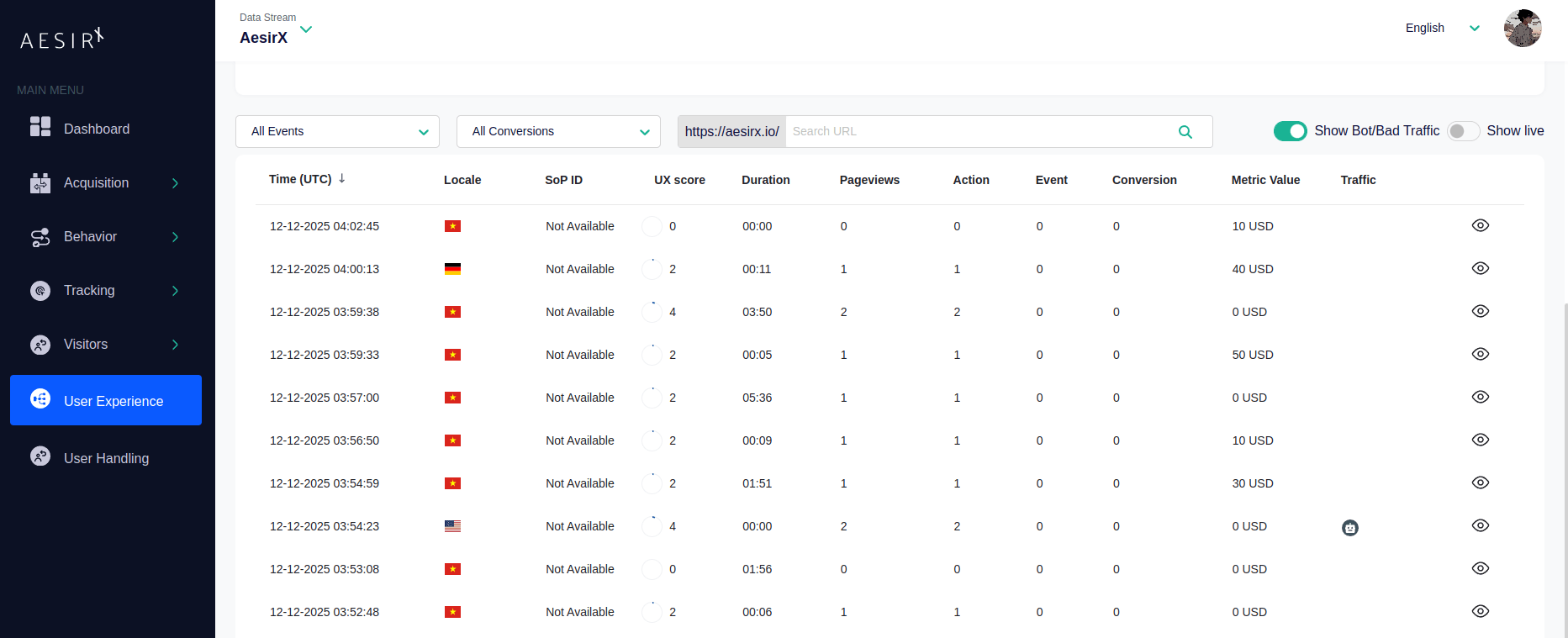
Metric values are also shown on the User Experience page, making it easier to track the value generated by users on each visit.
Final Tip
Need an expert review to make sure your setup complies with GDPR, ePrivacy Directive, and other global laws?
Request a Privacy Review from the AesirX team to validate your banner settings, consent logic, and tracker configuration. Book a Privacy Review here.